
There’s no doubt that artificial intelligence (AI) is changing how people discover websites. Google is all-in on the technology, showing generated search results above the tried-and-true list of links. We know that things are changing. The confusion lies in how to adjust to this brave new world.
SEO has always had a dash of mysticism to it. People have tried various tricks and techniques to improve rankings. Now, we’re faced with the challenge of pleasing AEO (Answer Engine Optimization). The goal is to get your content cited by AI models. That could be a search engine like Google. But it also includes ChatGPT, Claude, and other AI tools. When a user asks an AI model a question, you want to be a source of relevant information.
Much like SEO, AEO inspires debate about what providers are looking for in a website. Do we need to do anything drastic? Or are the fundamentals of adding metadata and structured content enough?
These are among the questions we’re trying to answer here today. We can’t promise perfect results, nor that best practices won’t change (that’s a given). But we can show you some tools and resources to help you on your journey.
The good news is that WordPress is a great platform for getting your site noticed by search engines. It already includes some basics, such as logical content structure and sitemaps. And its plugin ecosystem is full of high-quality tools. This includes options for improving your site’s AEO.
Let’s get started!
Why You Should Care About AEO
Traditional search engines are still an important piece of the puzzle for discovering content. However, people are also turning to AI tools for information within the context of a conversation. That differs quite a bit from how we’ve researched topics for the past 30 years or so.
For example, you might use Bing to find a list of WordPress e-commerce plugins. That’s great, but you still have to click through each relevant link to find what you’re looking for. You could, in theory, waste a lot of time researching plugins that aren’t a good fit for your project.
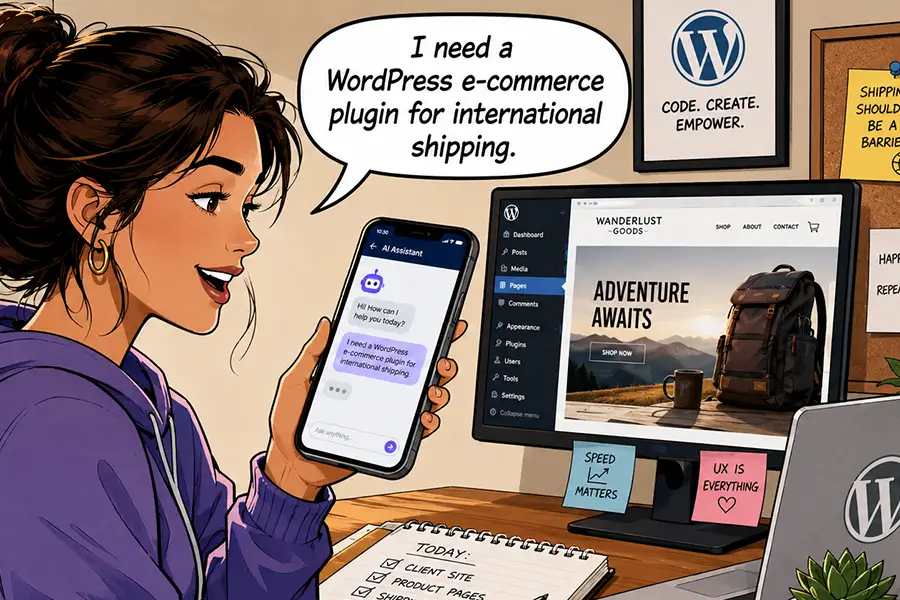
Compare that experience with using an AI tool like Gemini. You could ask for WordPress e-commerce plugins with specific features, such as subscriptions or shipping integrations. The AI model will provide a summary of plugins that match your request, complete with background information.
AI provides a succinct report that makes it easier for users to find links of interest. That’s important to every website owner, whether you’re a plumber or a tech publication. Making your site AEO-friendly is part of getting your content seen by the right people.
It’s also a different deal than the training bots that hog site resources. You can still block harmful bots while welcoming the legitimate ones.
Scan Your Site for AI Agent Readiness
What does your WordPress website need to be indexed by AI models? You may already be on the right track.
The basics of SEO, such as a robots.txt file and an XML sitemap, are must-haves. These items help direct bots to your content and tell them what to index, similar to how search engines use them. But there’s more to the story.
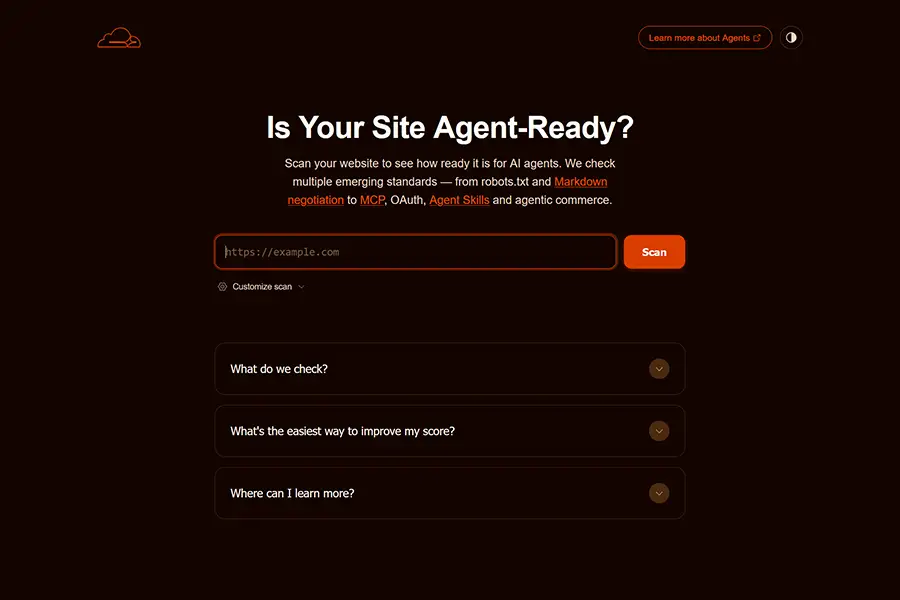
Cloudflare has a helpful scanning tool, Is Your Site Agent-Ready?, that analyzes your website’s structure. It looks for the following:
- The discoverability of your site, via
robots.txt, sitemaps, link response headers, and DNS records. - If your site makes content available in an AI-accessible format, such as Markdown.
- How your site manages bot access via
robots.txt. - Any agent skills your site may have, such as MCP.
- E-commerce protocols.
You’ll receive a report that details where you’re succeeding and where there’s room for improvement. We should note that some of the above may not apply to your website. For example, agent skills won’t be relevant unless you have AI agents on your website. You can also adjust the scan settings to focus only on the areas you care about.
As with all scanning tools (AI and otherwise), take the results with a grain of salt. However, they will provide some actionable advice. It’s up to you to determine what makes sense for your website.
Turn Your HTML Content Into Markdown
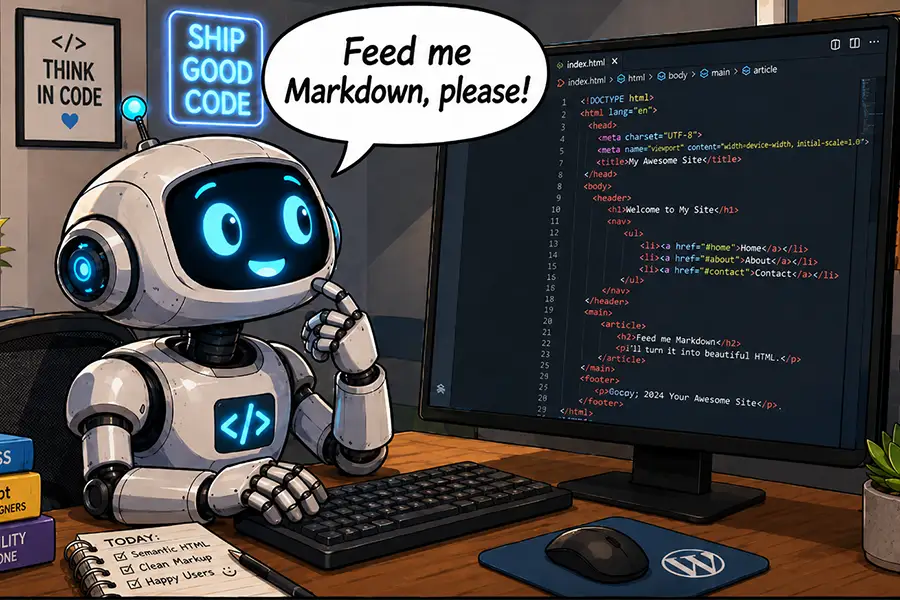
It may be a surprise, but HTML isn’t the best format for AI models to read. Instead, they prefer Markdown. This plain-text markup language is easier for bots (and humans) to understand. Elements like headings and lists can be identified without knowing code.
Markdown is also more efficient than HTML. Models don’t have to sift through lines of unnecessary code to access your content. That means fewer tokens, which is better for everyone.
WordPress doesn’t natively support Markdown output. However, WordPress.org recently added this capability via the experimental html-to-md plugin – and you can, too. It’s a simple way to make your site friendlier to AI models.
Install the plugin, activate it, and a <link> element will be added to each page’s header, pointing to the Markdown version. Your site’s visitors won’t know the difference, but AI models will.
LLM Markdown is a similar plugin, but with a twist. A settings page lets you enable or disable Markdown output for specific post types. Look for more plugins to hit the market as Markdown output becomes more commonplace.
Cloudflare users with paid plans also have access to a Markdown for Agents feature. It doesn’t require a plugin – simply turn it on in your account dashboard.
Helpful AEO Resources
Optimizing your WordPress website (or any website, for that matter) for AI agents isn’t as hard as you may think. The tools and tips above will help you determine and address your needs.
But AEO is a nascent subject. As such, expect things to change quickly. The following are some resources you can use to learn more and stay ahead of the game:
- Agent Readiness (Website Spec)
- Optimizing your website for generative AI features on Google Search (Google)
- Structured data with schema for search and AI (Yoast SEO)
- The /llms.txt file (llms-txt)
We hope you found this overview useful. Now that you have a better idea of what AEO is, it’s time for action!
The post How To Make Your WordPress Website AI-Friendly appeared first on Speckyboy Design Magazine.